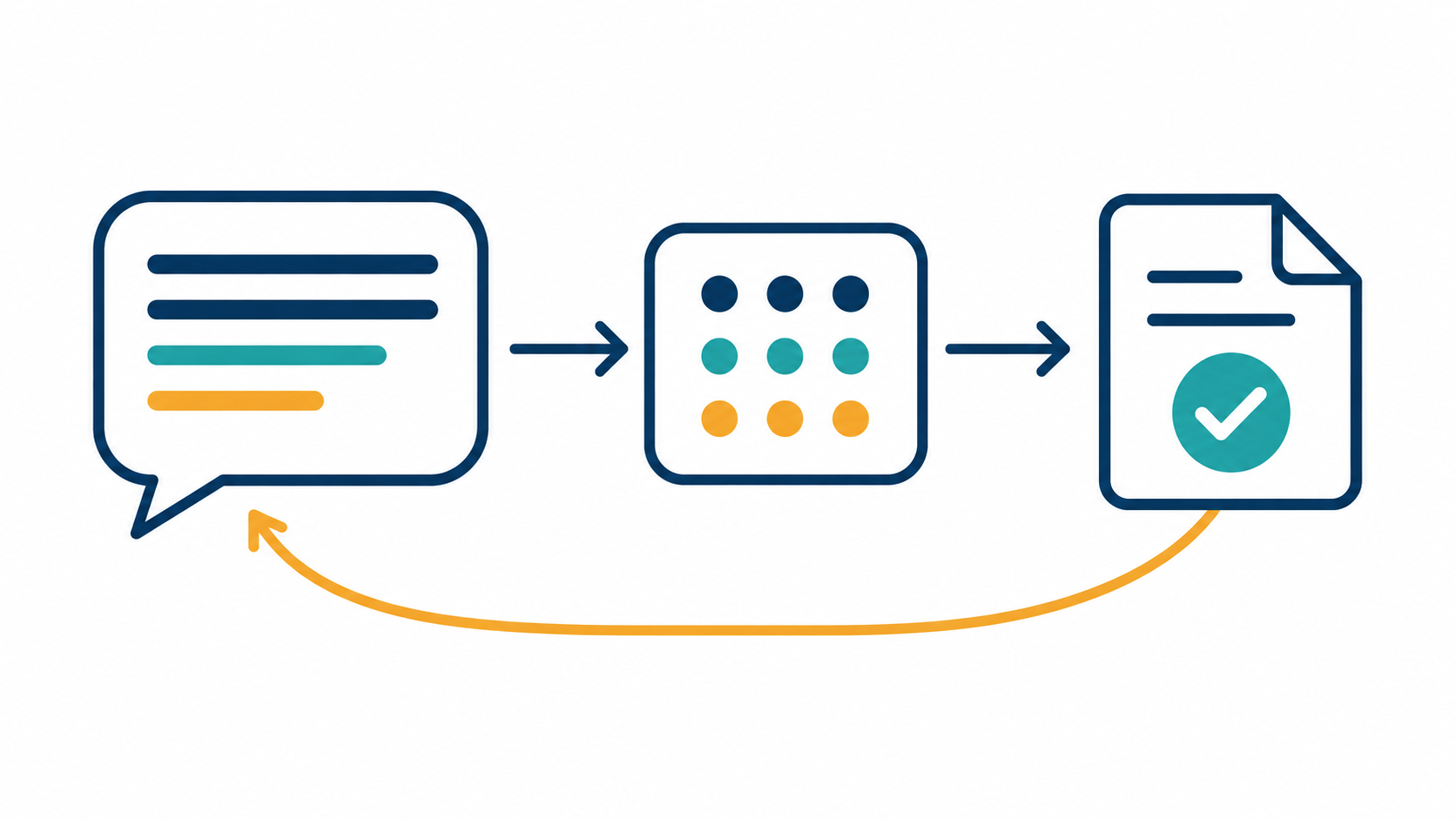
Running Local AI Models Easily with Ollama and Docker Compose
What is Ollama?
Ollama is a simple and easy-to-use tool that allows you to run AI language models directly on your computer. It makes local setup fast, simple, and accessible, without requiring deep technical knowledge.
Think of Ollama like a manager for your AI models—similar to how Docker manages software containers. You give Ollama instructions, and it handles downloading, setting up, and running AI models on your computer.
How is Ollama similar to Docker?
Docker is software that helps you easily package, distribute, and run software applications in isolated "containers." Containers ensure your app runs reliably and consistently on different computers, whether it’s your laptop, a server, or the cloud.
Ollama works similarly, but it’s specifically built for AI models. Ollama downloads AI models, manages their versions, and runs them smoothly on your computer. Like Docker, Ollama lets you quickly start and stop models as needed.
In short, Ollama is like Docker—but specialized for AI models instead of general software.
Ollama provides an API layer
One of the biggest benefits of Ollama is that it provides an easy-to-use API layer.
You don’t need to manage complicated model code yourself. Instead, you simply use Ollama’s API. Ollama takes care of all communication between your app and the model.
This API layer allows you to integrate AI models quickly and easily into your own projects, without deep technical expertise.
How to use Ollama to run AI models locally:
You can easily run Ollama using Docker Compose. Below is a simplified example you can use to get started quickly:
Step 1: Create docker-compose.yml
services:
  ollama:
    image: ollama/ollama:latest
    ports:
      - '11434:11434'
    volumes:
      - models:/root/.ollama/models

volumes:
  models:
This file tells Docker to start Ollama and expose it on port
11434.Ollama stores AI models in a volume called
models, so downloaded models aren’t lost when you restart your computer.
Step 2: Run Ollama with Docker Compose:
docker-compose up -d
- Ollama is now running locally at
http://localhost:11434.
Using Ollama in a FastAPI application:
Here's a simple Python example using FastAPI, which connects to your local Ollama to chat with an AI model called gemma3:1b.
Step 3: Python app (main.py):
from fastapi import FastAPI, Body
from ollama import Client

app = FastAPI()

# Connect to the Ollama server running locally
client = Client(host='http://localhost:11434')

# Pull (download) the AI model named gemma3:1b
client.pull('gemma3:1b')

@app.post("/chat")
def chat(message: str = Body(..., description="Chat Message")):
    # Send your message to Ollama and get a response
    response = client.chat(
        model="gemma3:1b",
        messages=[{"role": "user", "content": message}]
    )

    # Return just the content of the AI's reply
    return response['message']['content']
Explanation of the FastAPI program:
FastAPI makes creating web APIs quick and easy.
Ollama client connects to the local Ollama server.
When you call
/chatwith your message:Ollama receives the request.
The AI model (
gemma3:1b) generates a reply.The response from Ollama is returned as the answer.
This simple program lets you chat locally with an AI model without sending your data to external servers.
Why run models locally with Ollama?
Privacy: Your data stays on your computer.
Speed: Quick responses without internet latency.
Cost: No API fees since everything runs locally.
Control: Easily switch between AI models or customize behavior.
Summary:
Ollama simplifies the process of running AI models locally, similar to how Docker makes running software easy. Using Ollama with Docker Compose and FastAPI, you can quickly set up a local AI chat service in just a few steps.
This approach is great if you care about privacy, speed, and cost-effectiveness while exploring AI models on your own computer.