What an LLM Is and How to Use One
What is an LLM?
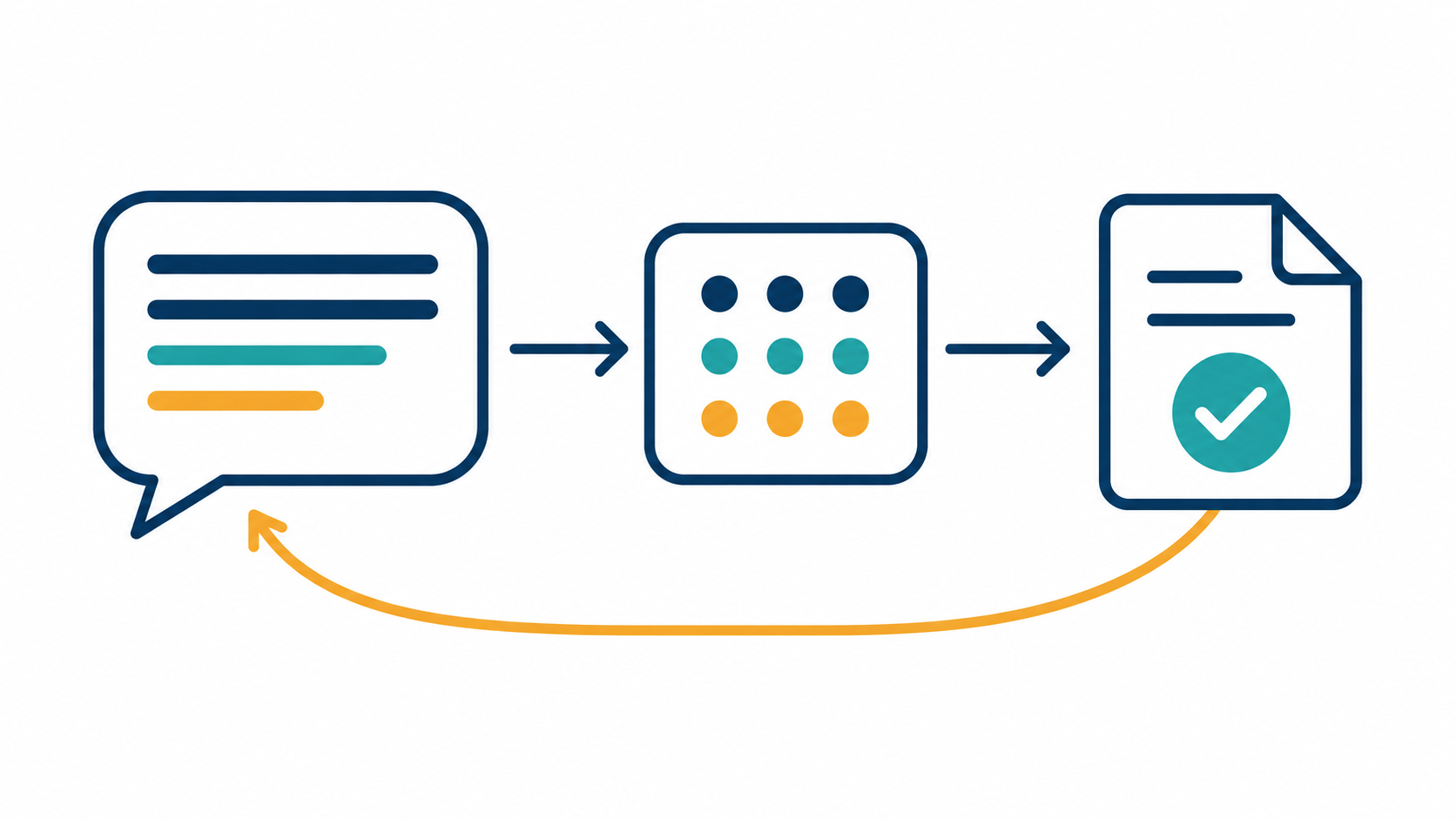
A large language model (LLM) is software trained on vast amounts of text to predict the next word. Because of that simple skill done at huge scale, it can understand instructions, follow context, and generate coherent text—answers, summaries, code, explanations, and more. Think of it as a text-native problem solver: you give instructions and context; it returns useful language (and sometimes structured data) in response.
What can you do with an LLM?
Ask & explain: Q&A, step‑by‑step tutoring, simplifying technical topics.
Summarize & transform: Condense long documents; rewrite for tone, reading level, or format.
Create & edit content: Draft emails, blog posts, product copy; ideate outlines and headlines.
Code help: Explain errors, write snippets, refactor or document functions.
Extract & classify: Pull entities (names, dates, amounts) from text; tag sentiment or categories.
Translate & localize: Convert languages while preserving tone and brand.
Reason with constraints: Produce JSON or bullet points when you ask for a specific format.
Ways you can use an LLM
Interactively (no code): Use a chat interface to experiment with prompts and get answers.
Programmatically (API): Call the model from your app or script to automate tasks, batch work, or customize behavior.
In workflows: Combine your app’s logic with LLM calls—for example, summarize inputs, then pass results to other systems or reviewers.
Minimal Python chat program
from openai import OpenAI
from dotenv import load_dotenv

load_dotenv()                    # Reads OPENAI_API_KEY from a .env file
client = OpenAI()

SYSTEM_PROMPT = "You are a helpful assistant. Keep answers concise."

# Start the conversation with a system message that sets behavior
messages = [{"role": "system", "content": SYSTEM_PROMPT}]

while True:
    user_text = input("> ")
    messages.append({"role": "user", "content": user_text})

    # Ask the model to continue the conversation
    completion = client.chat.completions.create(
        model="gpt-4o",            # or "gpt-4o-mini" for a lighter, cheaper option
        messages=messages
    )

    reply = completion.choices[0].message.content
    print("🤖:", reply)
    messages.append({"role": "assistant", "content": reply})
How it works
SYSTEM_PROMPTsets the assistant’s general behavior (tone, scope, style).messagesholds the full conversation history: system → user → assistant turns.Each loop:
reads your input, appends it to the history,
calls the model with
client.chat.completions.create(...),prints the model’s reply, and
appends the reply back to history so the model remembers context next turn.
This uses the official OpenAI Python SDK’s Chat Completions interface; OpenAI also offers the newer Responses API as the primary interface, while Chat Completions remains supported. The same client (from openai import OpenAI) and environment‑variable setup apply.
Tips for getting good results
Be explicit: Tell the model the audience, tone, and output format you want (e.g., “bullet points,” “JSON with fields
title,summary”).Give context: Paste relevant excerpts or examples so the model can ground its response.
Constrain length: Ask for a word or paragraph limit to keep outputs focused.
Iterate: Refine your prompt based on the last output—LLMs improve with feedback.
Mind costs/latency: Prefer a smaller model (e.g., “mini” tier) for simple tasks; upgrade for harder reasoning.